k7k7 App: from install to first bet on your phone
Download the file once and you never have to hunt for the link in a browser again. Tap the button below and the k7k7 App APK lands on your phone. Install it, log in, and slots, live tables and cricket markets are in your hand.
- ৪৫ MB
- Android ৬.০ or later
- Version ৩.৬.১৮
- Free
Check the size, version and date before you download
The APK file is called k7-k7.apk and is ৪৫ MB. Download over Wi-Fi to save data. The file comes from our own server, so you don't need to hop around other sites hunting for a file with the same name.
Download APKk7-k7.apk · ৪৫ MB
| Item | Info |
|---|---|
| Version | 3.6.18 |
| File size | 45 MB |
| Android version | ৬.০ or later |
| Last updated | ১৫ November ২০২৬ |
| Languages | Bangla and English |
| Cost | Free, no subscription |
No file needed on iPhone — the home screen does the job
iOS can't run APK files, so there is nothing to download. Set the site on your home screen once in Safari, then tap the icon to go straight into the lobby.
- 1Open the site in Safari. Type k7-k7.ws in the address bar and log in to your account.
- ২Tap the Share button. Tap the share icon in the bottom middle and the menu opens up.
- ৩Pick Add to Home Screen. Rename it if you want, then tap Add.
- ৪Open it from the home screen icon. A tile appears just like an app, and tapping it opens the site.
Don't install before you see what's inside


- The whole lobby on one screenSlots, fishing, card games and live tables sit in separate tabs, so you scroll less looking for them.
- Balance always in sightYour balance and the deposit button sit in the top bar, so adding or taking out money between games is quick.
- Bangla menus and noticesPlenty of the wording is in Bangla, which makes it easier for new players. You can switch to English whenever you like.
- Small file, little spaceAt ৪৫ MB it fits older phones, and you can delete the leftover file once it's installed.
Five steps to get the k7k7 APK onto your phone
One permission in your phone settings and you're done — later updates skip this step. Anything on Android ৬.০ or later works without trouble.
-
1
Allow unknown sources
Go to Settings → Security (or Apps) → Install unknown apps and allow the browser you'll download with.
-
২
Download the APK file
Tap the download button on this page. The ৪৫ MB file takes a minute or two, and it's faster on Wi-Fi.
-
৩
Open the file
Open it from the notification panel, or go to File Manager → Downloads and tap k7-k7.apk.
-
৪
Finish the install
Tap Install. If your scanner shows a warning, choose Install anyway, then tap Open.
-
5
Log in to your account
Enter your existing account details. New here? Open an account and grab a ১৫৫% bonus on your first deposit.
What you get the moment you open the k7k7 App
The app lobby is built for a phone screen, with large buttons and small text. These six things are what most players use several times a day. There are no extra settings to learn.
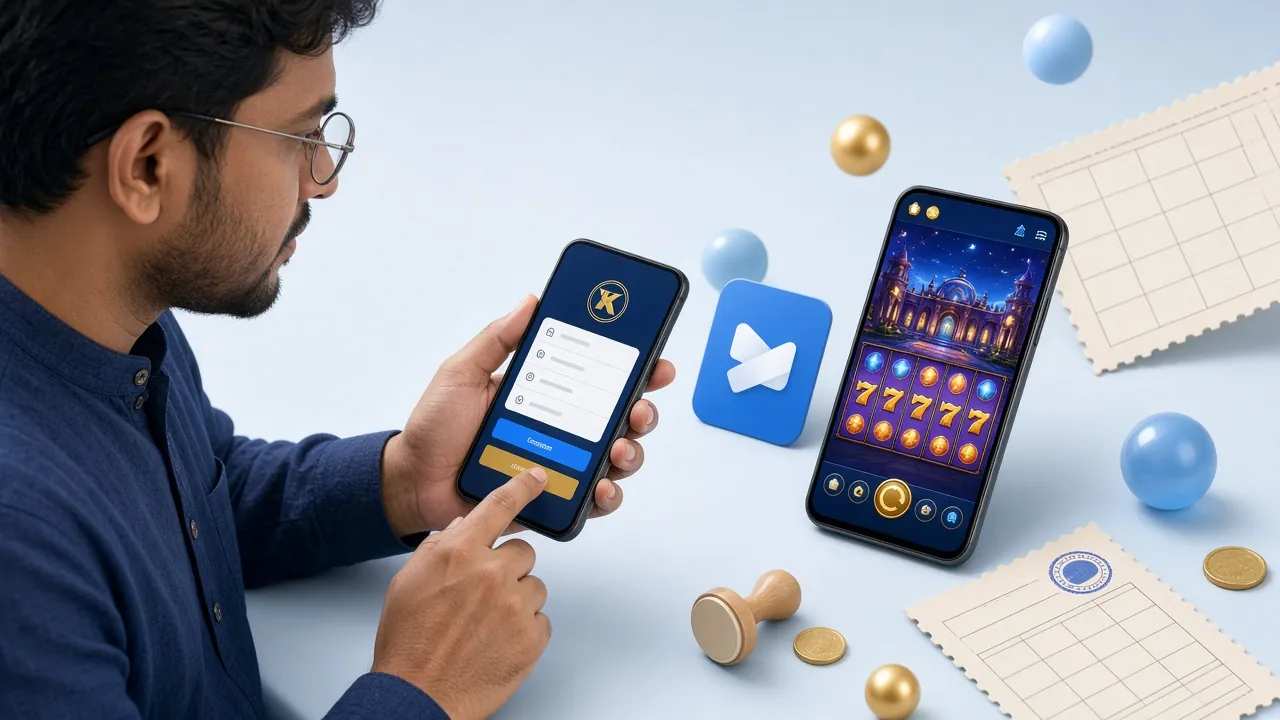
Quick login
Once you log in, the app remembers your session. Close your phone and open it again and you won't have to retype your password each time.
Deposits and withdrawals
bKash, Nagad, Rocket, Upay and bank transfer — all inside the app. Minimum deposit is ৳২৫০, and deposits usually arrive in ৫ minutes.
৩৮০০ games under one roof
Games from CQ9, Red Tiger, Playtech, Evolution and FA Chai. Each game shows its RTP next to it, so you can compare before you pick.
Live tables and cricket
Live tables alongside cricket markets from the current series. To see what's newly added, check the casino page.
Notifications that matter
The app reminds you before a bonus expires and before a match starts. If they get annoying, switch them off one by one in settings.
Support inside the app
২৪/৭ live chat. Sending a screenshot makes it easy to explain the problem, and you don't have to go to a separate site for the answer.
When the app wins, when the browser does
Both run on the same account, so you don't need to keep money in two places. The difference is how they open, data use and notifications. Check the comparison below and pick what fits your habits.
k7k7 App
- LoadingAfter the first open, the lobby stays on your phone, so it opens faster next time.
- DataImages and screens download only once, so everyday usage is lighter.
- NotificationsYou get separate alerts for bonuses and match starts.
- What you needA ৪৫ MB file, Android ৬.০ and one permission.
- UpdatesWhen a new version lands, you hear about it inside the app.
- Who it's forPlayers who log in several times a day and don't want to miss notices.
Mobile browser
- LoadingThe lobby loads fresh every time, and on a weak connection that takes a while.
- DataThe whole page downloads again, so usage is comparatively higher.
- NotificationsNo alerts like the app — you have to go in and check yourself.
- What you needNothing to install, just the link and your password.
- UpdatesAnything new shows up on its own.
- Who it's forAnyone short on phone space, or who plays only now and then.
If your phone has room, the app is the comfier choice. And if you only drop in occasionally to check your balance, the browser does the job. It's one account either way, so switching back and forth loses you nothing.
Which permissions it asks for, and why
Android shows a few permissions while you install the APK. Here's what the app wants, and what it doesn't ask for at all.
-
Files and storage
To keep update files and game images on your phone. Without it, every image has to download again each time you open the app.
-
Notifications
To send reminders about bonus deadlines and match starts. If you'd rather not, turn them off one by one in settings.
-
Network access
To exchange your balance, game list and login details with the server. Without it, the app won't open at all.
-
What it doesn't ask for
The app doesn't ask for Contacts, SMS, call log or location permissions. If you want to see for yourself, go to Settings → Apps → k7k7 → Permissions.
Download only from here: get the k7-k7.apk file from the download button on this page. Unknown sites or forwarded links can carry a file with the same name — skip those.
Check it matches: before installing, look at the file size (৪৫ MB) and the version (৩.৬.১৮) — that tells you the file is the right one.
Where to look when the install gets stuck
Most problems come down to four or five causes, and the fixes are simple. The table below lines up the problem, the cause and what to do about it.
| Problem | Cause | Fix |
|---|---|---|
| It says Blocked the moment I tap Install | Installing from unknown sources is turned off on the phone | Go to Settings → Apps → Install unknown apps → Allow it for your browser or file manager, then try again |
| There was a problem parsing the package | The file didn't download fully, or Android is older than ৬.০ | Download the file again on Wi-Fi. Go to Settings → About phone and check the Android version |
| No space left in storage | Phone memory is full | Delete videos you don't need or old APK files to free up space, then tap Install again |
| It installs, but closes as soon as I open it | The new version went over an old one, or cache has piled up | Uninstall the app, restart the phone, then install the file fresh |
| The app opens, but login won't go through | Weak internet, or an old session is stuck | Try switching between Wi-Fi and mobile data. If that doesn't work, go through the steps on the login page |
If none of the fixes in the table work, post your phone model, Android version and where it stops into 24/7 live chat. Send a screenshot too if you have one — you'll get an answer faster.
Questions everyone ends up asking
Is this APK file safe?
How much space does the k7k7 App need on my phone?
What do I do if Play Protect blocks it?
How do I update when a new version comes out?
What do I need to deposit or withdraw from the app?
Running the app and the browser together — any mix-ups on your account?
The file takes just a few seconds to download. Install the k7k7 App, log in to your own account and the lobby opens right up. New here? Create an account first — your first deposit gets a 155% bonus (up to ৳20,500).
Download APK